Mobile Check-in with the eyepin App

Check in guests via smartphone, scan QR codes and manage attendees directly.

Check-in wherever your guests arrive

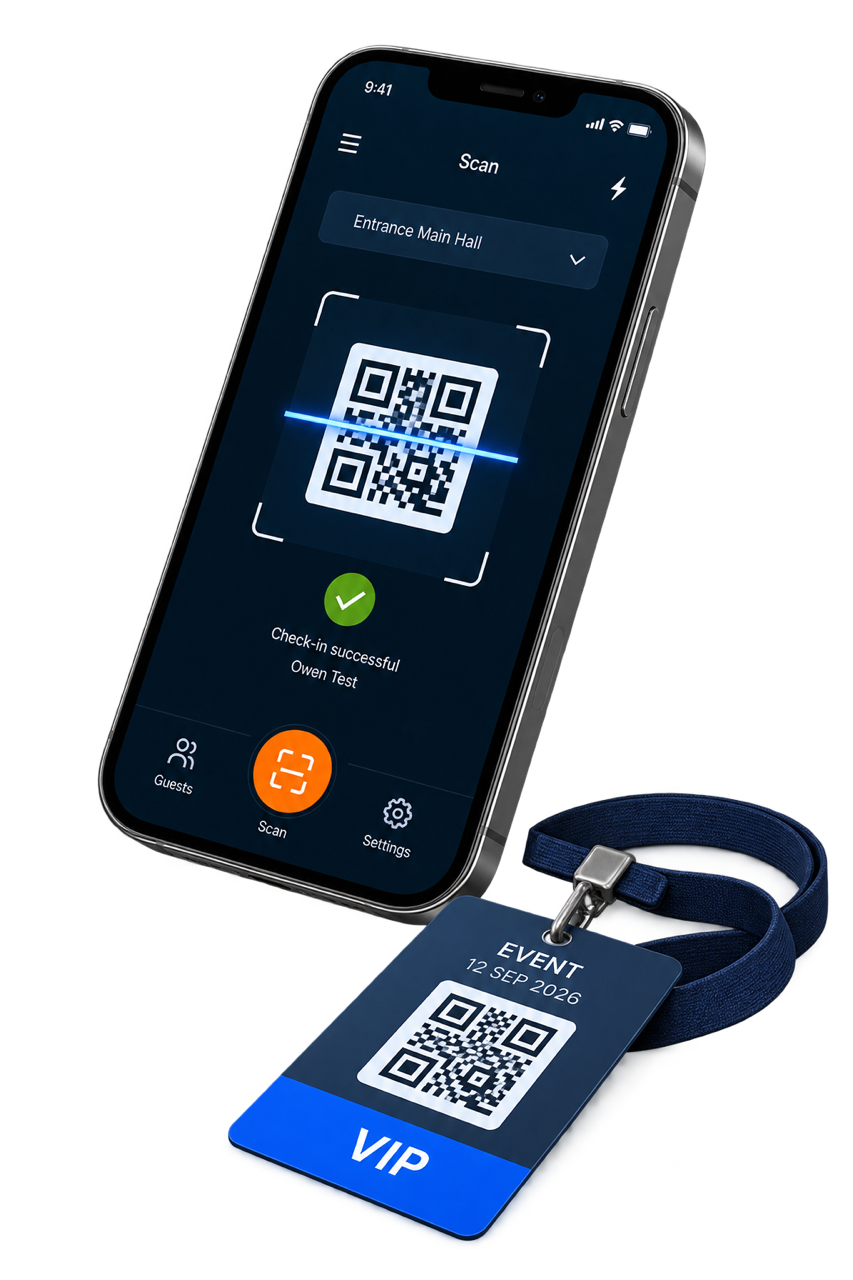
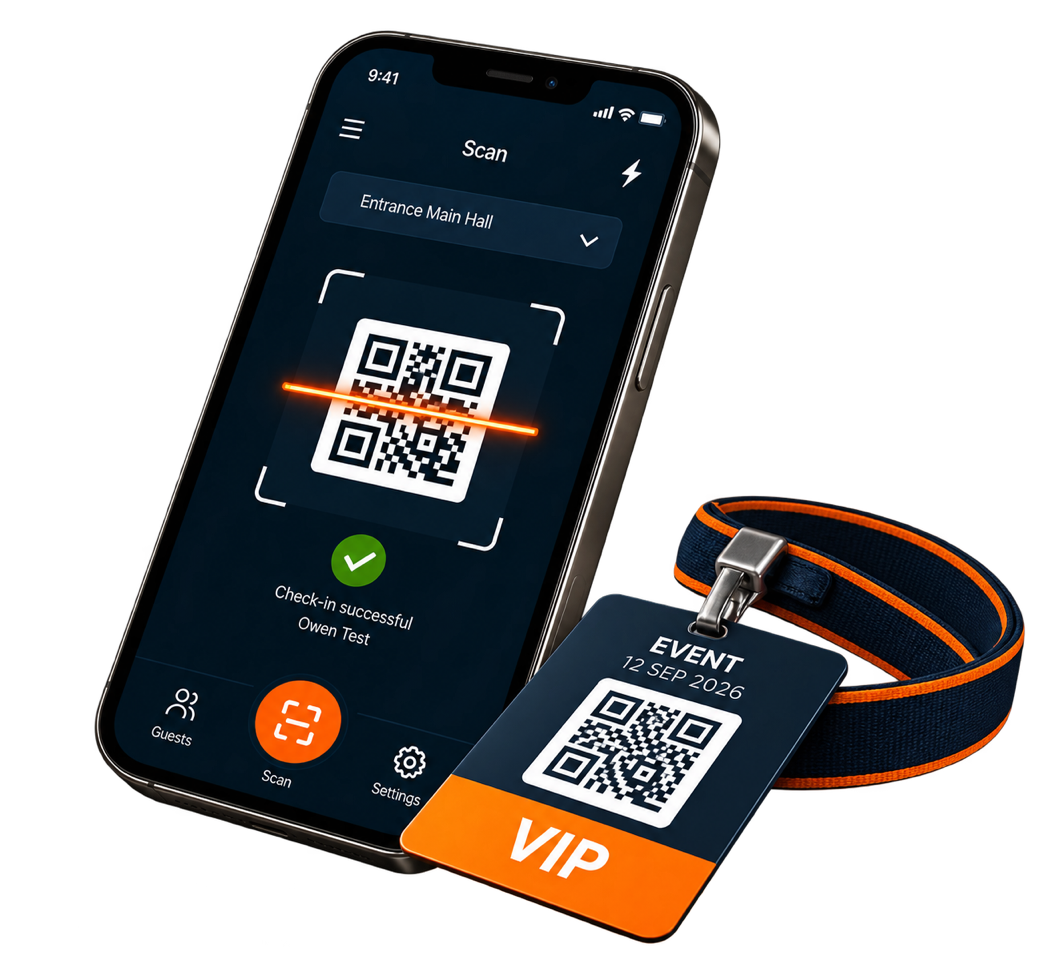
With the eyepin App, your team stays mobile and flexible. Check in guests directly on site using a smartphone – without fixed workstations or additional scanners.

Check-in directly from your smartphone

What previously required a notebook and handheld scanner can now be done directly on mobile devices with the eyepin App. Your event team always has guest lists and check-in functions at hand and can work flexibly wherever attendees arrive.
QR-Code Check-in

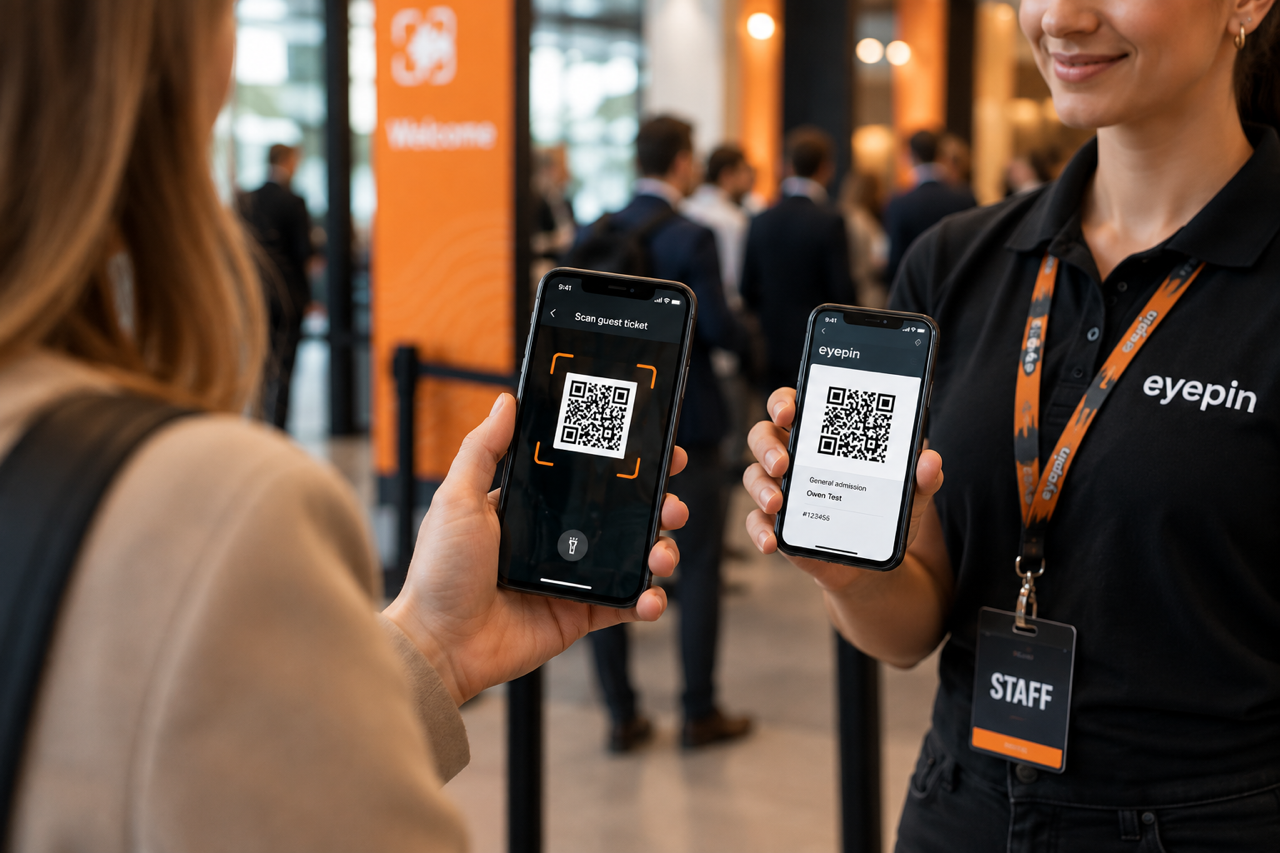
Scan. Check in. Done.

Simply scan QR codes on tickets and invitations using your smartphone camera. The app identifies the attendee and displays their current status immediately. This allows guests to be checked in quickly – without the need for an additional handheld scanner.

Less hardware. More flexibility.

Smartphone instead of notebook and handheld scanner: Distribute check-in flexibly across multiple team members, entrances and sessions, and adapt the process to suit your event.
Attendee Management

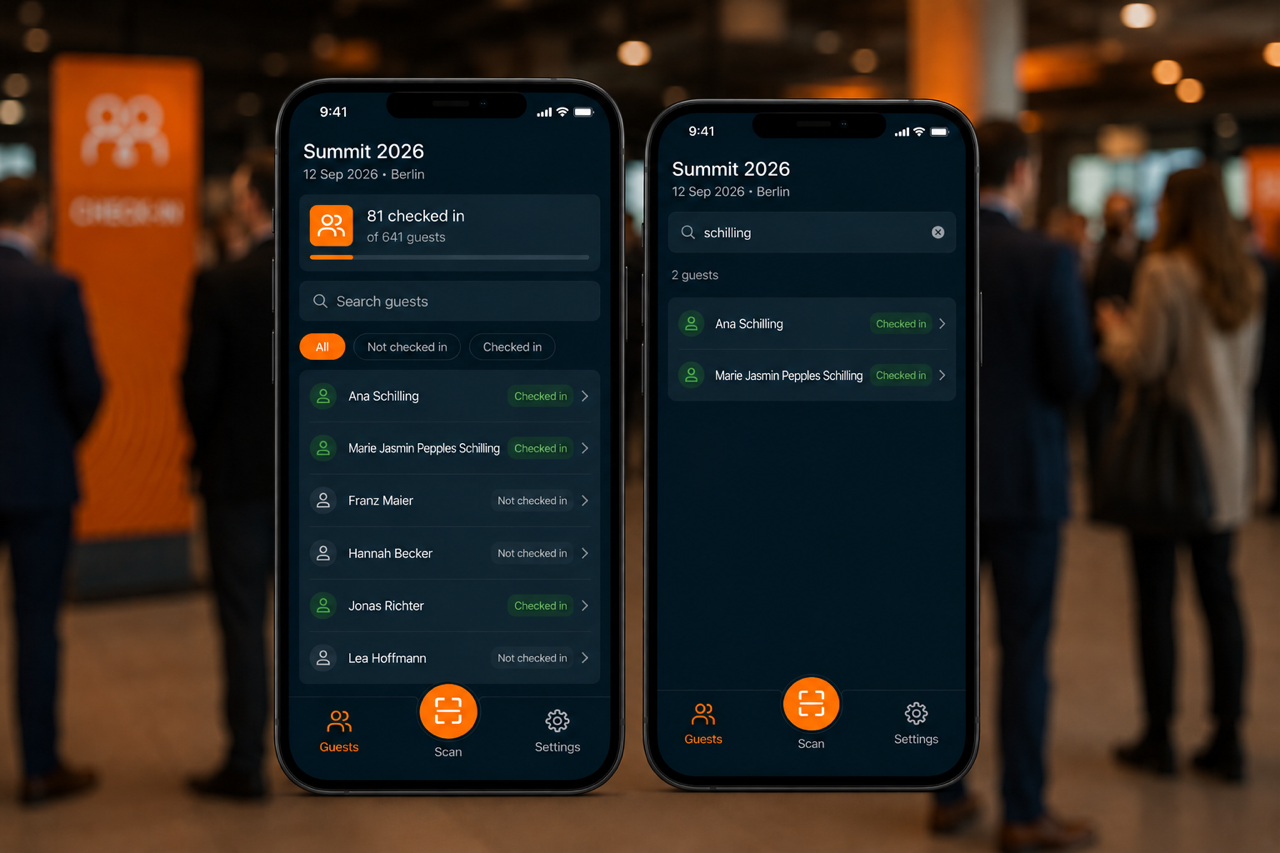
Keep track of all your guests

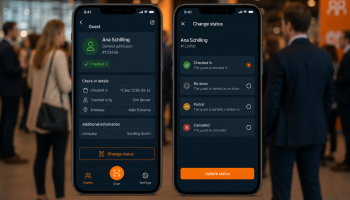
The digital guest list lets you quickly find attendees even without a QR code. Search for individual guests, check their current status and manually check them in when needed. Any changes are displayed directly in the app.
EventApp_4

Check-in-Status

Manage attendee statuses flexibly

Not every check-in works the same way. That’s why you can check an attendee’s status directly on site and change it whenever necessary. This keeps your event team flexible, even when plans change at short notice, and ensures everyone always has an up-to-date overview.
EventApp_4

Entrances & Sessions

Check in guests exactly where you need to

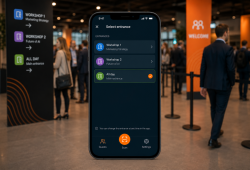
Organize your check-in to suit your event. Select different entrances, event days or individual sessions and give your team access to exactly the guest data they need at each check-in point.

Mobile Event Team

Organize multiple check-in points flexibly

Distribute check-in across multiple team members and mobile devices – for example at the main entrance, individual sessions or different areas of your venue. Your team stays mobile without being tied to fixed PC workstations or additional scanners.

Offline Check-in

Ready even when the connection isn’t

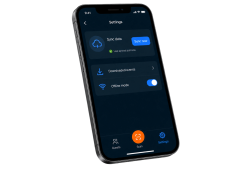
Download the required events to your device in advance and give your team access to the relevant check-in data. This keeps the app reliably available even in event situations with limited or unstable internet connectivity.

Synchronization

Keep guest data up to date

Synchronize event and check-in data directly through the app and keep attendee statuses up to date across the devices in use. This gives your team a reliable overview of the current status, even when working across multiple check-in points.

Setup

Quick to set up. Ready to go.

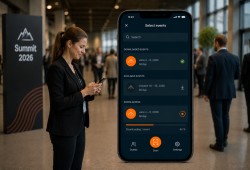
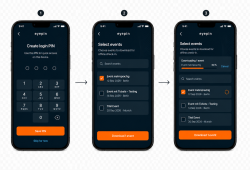
Simply connect your mobile device to your event, select the required events and check-in areas, and your team is ready to get started. A personal login PIN provides quick access on each device.

Key features at a glance

✓ Mobile check-in
Check in guests directly using a smartphone or mobile device

✓ QR code scanner
Scan tickets and invitations using the device’s built-in camera

✓ Digital guest list
Search for attendees, check their status and manually check them in

✓ Flexible check-in areas
Select specific entrances, event days and sessions

✓ Multiple devices
Distribute check-in flexibly across different team members and devices

✓ Offline access
Download events in advance and continue working even with limited connectivity

✓ Synchronization
Keep event and attendee data up to date

✓ Less hardware
No additional handheld scanners or fixed PC workstations required